A simple guide to growing your network and finding the right people.
Introduction:
LinkedIn is more than just a social platform; it’s a goldmine for finding leads and growing your business. But if you’re new to using it for lead generation, it can be tricky.
Here’s a simple, easy-to-follow guide to help you find leads on LinkedIn.
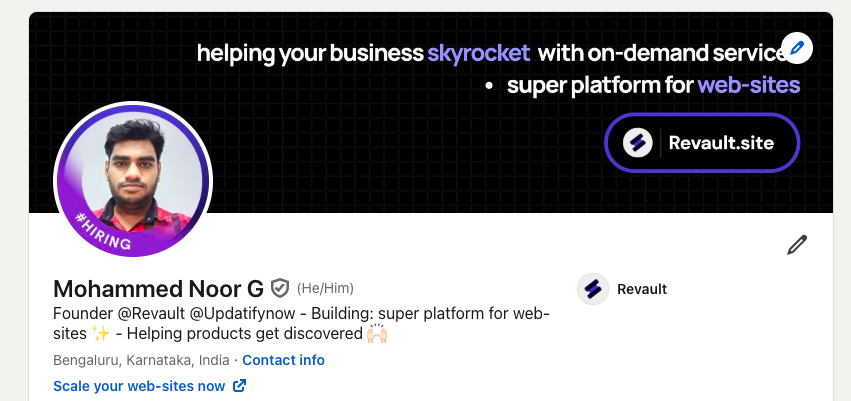
Step 1. Optimize Your Profile:
First impressions matters.
Make sure your LinkedIn profile is professional and clear.
- Use a clear profile photo: This builds trust.
- Write a catchy headline: Mention who you help and how you do it (Link).
- Add a compelling bio: Keep it simple. Explain what you do, who you help, and why they should connect with you.
Step 2. Know Your Target Audience:
Before you start searching
Get clear on who you’re looking for. Ask yourself:
- Who needs my product or service?
- What job titles do they have?
- Which industries are they in?
Knowing this will help you focus on the right people.
Also check, From Linkedin : 5 free Sales Email Template (link)
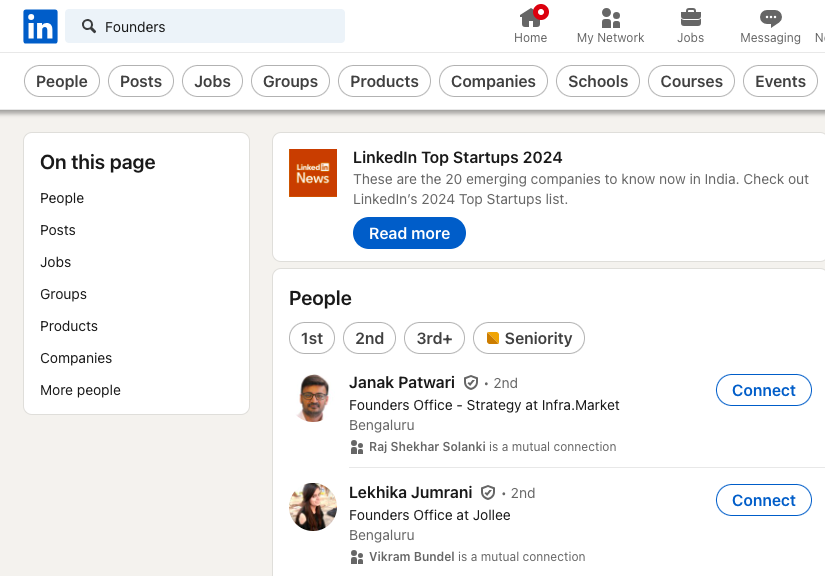
Step 3. Use LinkedIn’s Search Filters:
LinkedIn has powerful search tools.
Here’s how to use them:
- Search by job title or industry: Type in keywords related to your audience.
- Use the filter: Filter by location, industry, and company size to narrow down your search.
- Connect with decision-makers: Look for people in leadership roles or those who make buying decisions.
**Step 4. Engage with Content:
Don’t just send connection requests—engage with your target leads through their content. (As a last mile, do these)
- Comment on their posts: Add thoughtful comments to build relationships.
- Like and share: This gets you on their radar.
- Post your own content: Share insights that are relevant to your industry.
Step 5. Personalize Connection Requests:
When you send a connection request, make it personal. Mention something specific like a mutual connection or a post they shared.
Two way to do it properly:
- Premium users: Share personalized message directly.
- Non-premium users: Connect first, once accepted, make the message.
Example:
“Hi [Connects-Name],
I loved your recent post about [topic]. I’d love to connect and learn more about what you’re working on!
by the way i work as (role) at [Company]
Nice to make your acquaintance,
[Your-name]”
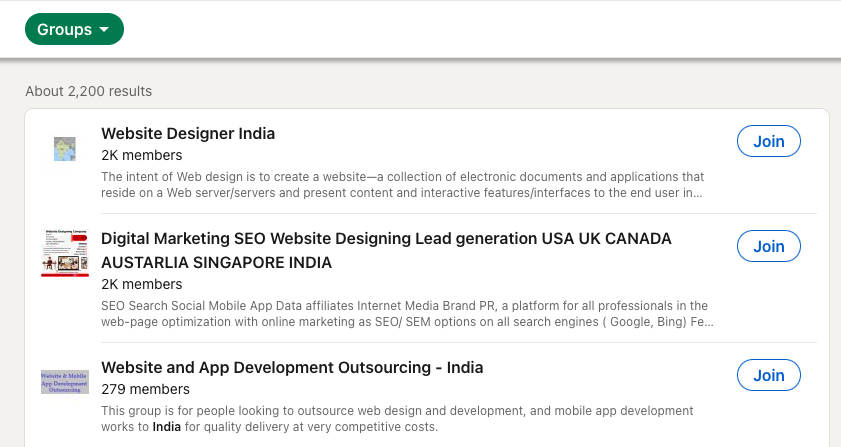
Step 6. Use LinkedIn Groups
Join LinkedIn groups that are relevant to your industry or target audience.
Here’s how groups can help:
- Participate in discussions: Offer insights and connect with people who might need your services.
- Share valuable content: This positions you as a thought leader in your niche.
- Connect with group members: They’re already engaged, so they might be more open to connecting.
**Step 7. Follow Up Consistently
Once you connect with a potential lead, follow up in a way that adds value. Avoid hard-selling right away.
- Offer helpful insights: Share an article or resource they might find useful.
- Start a conversation: Ask about their challenges or how they handle specific problems in their business.
- Don’t spam: Keep your follow-ups spaced out, and make sure they’re relevant.
Conclusion
LinkedIn is a powerful tool for finding leads, but it works best when you focus on building real relationships. Keep your profile polished, know your audience, and engage with genuine interest. Over time, you’ll start to see more connections turn into leads, and leads into clients.
Happy lead hunting.
Revault.site: Super platform for web-sites
Helping you make smarter connections for business growth.